Your photos are in Dropbox so why is your website still so much work?
Understanding the difference between file storage and asset delivery.
"We already have Google Drive, why do we need this?"
It's the most common question we hear. But using Google Drive to run a website is like using a warehouse to run a retail store. It's meant for holding boxes, not serving customers.
A shared folder solves storage, not publishing
Drive and Dropbox do not optimize your images. If you upload a 10MB TIFF file, they hold a 10MB TIFF file.
More importantly, you cannot embed a Google Drive image directly into a website cleanly. They actively block hotlinking because they aren't CDNs. You still have to download the file from Drive and re-upload it to WordPress.
Two tools, two jobs
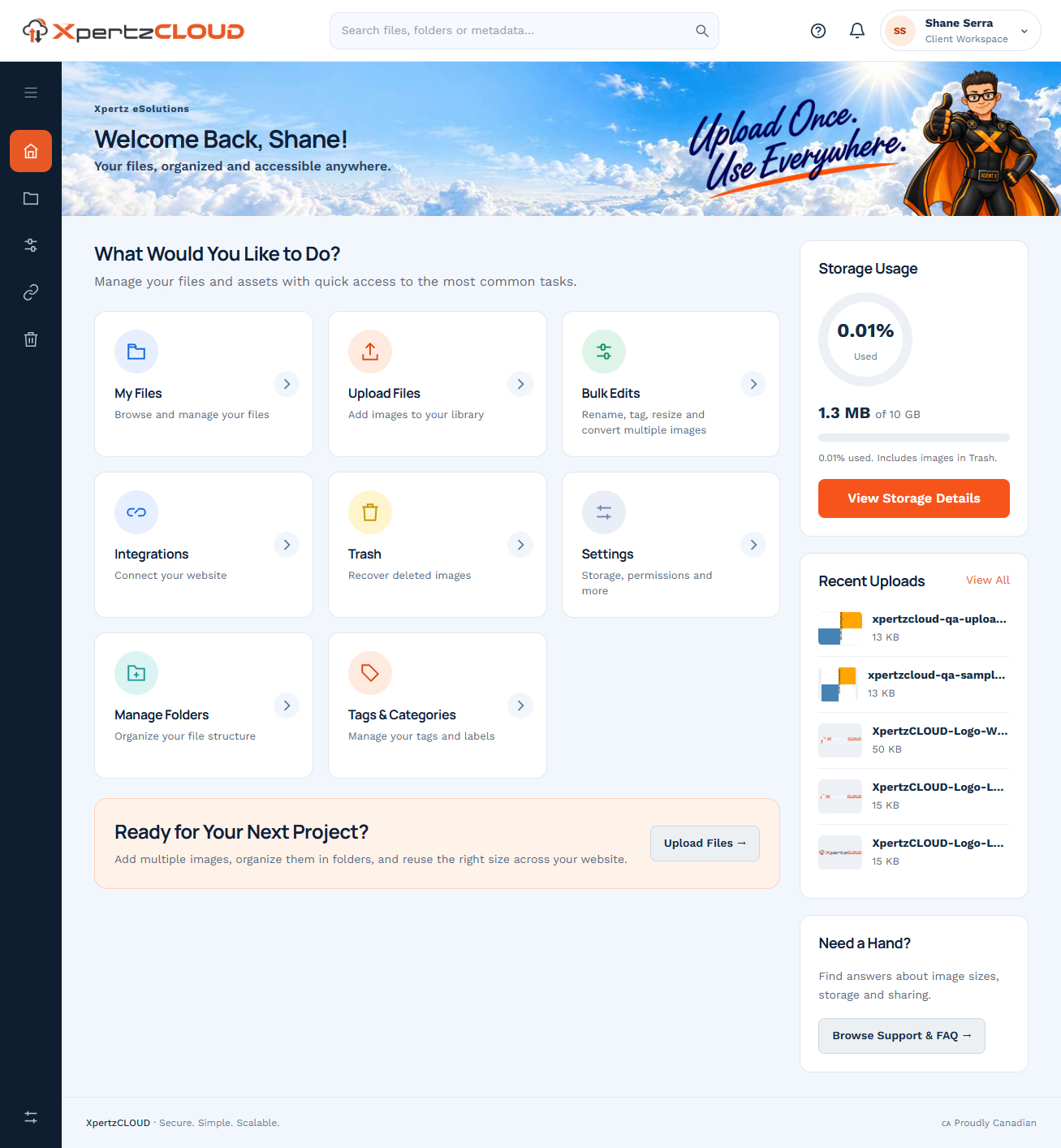
XpertzCLOUD is a delivery engine. It holds the file, optimizes it for the browser, and provides a direct, low-latency CDN link that you paste directly into your site.
When you update the image in XpertzCLOUD, the live website updates instantly. Try doing that with a Dropbox link.
Keep drive for files, XpertzCLOUD for web
Keep your internal documents, spreadsheets, and raw PSD files in Google Drive. But for final, approved assets that need to be published to the world, use a purpose-built media engine.
Workflow Explainer
Storage tools vs Delivery tools.
Practical Next Steps
- •Stop uploading master media files to your website's internal library.
- •Establish a central cloud repository (like XpertzCLOUD) as your single source of truth.
- •Use CDN links to embed images dynamically, preserving your flexibility for future redesigns.